DIGITAL DOWNLOAD FILES
Prepare printable wall art
files for Etsy.
Turn a finished artwork into print-size JPGs your buyer can identify. Check what each frame shape keeps, confirm the available image detail, then collect the files you need in a ZIP.
Check my artwork at 8 × 10 in →
One artwork cannot fill every frame shape unchanged
A 2:3 image fits an 8 × 12 inch print. An 8 × 10 inch frame is 4:5, so filling it requires a different crop. Stretching the image would distort the artwork. Keeping the entire image instead leaves white margins. Choose the version that suits each piece.
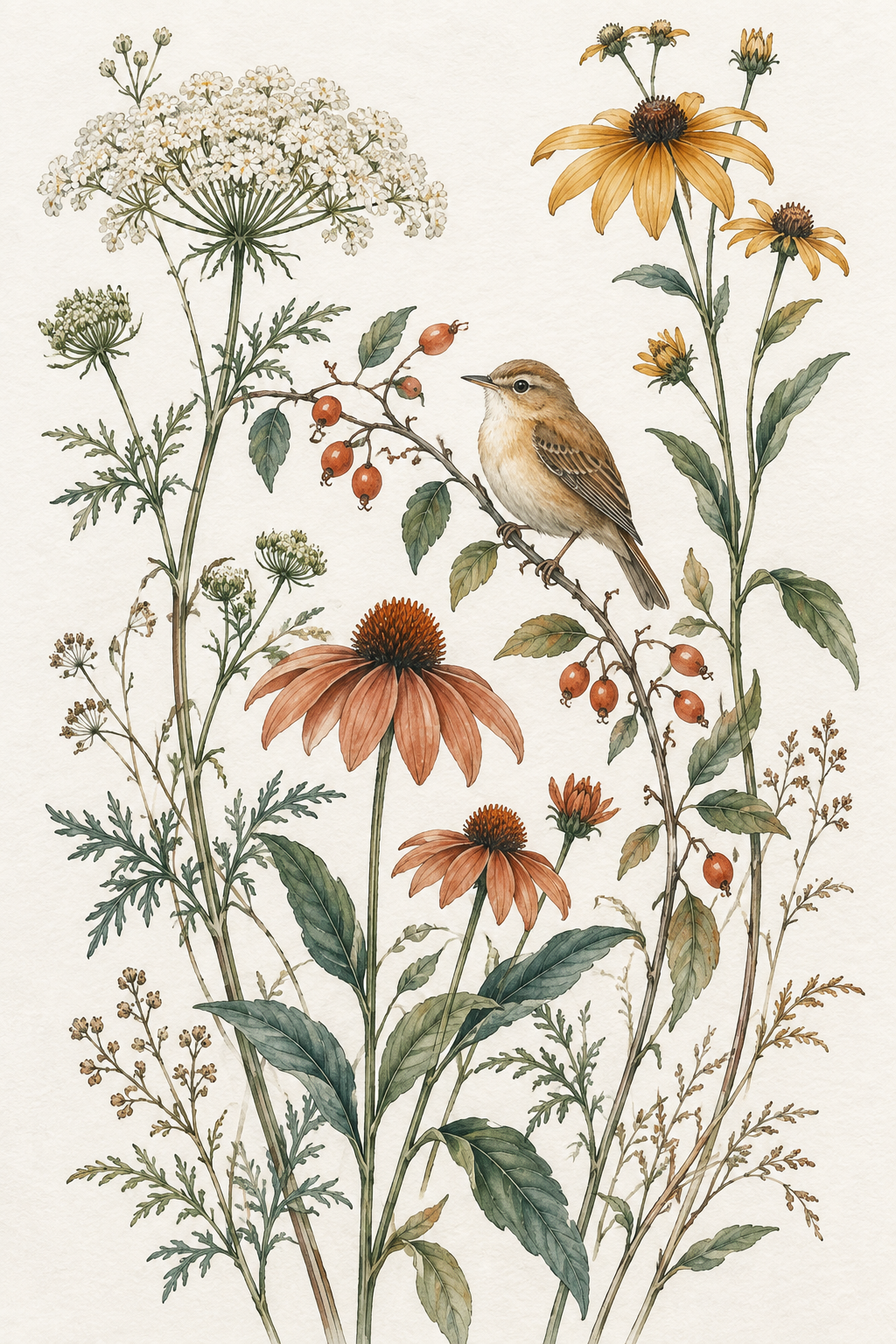
Both previews use the same AI-generated sample. The 4:5 example removes 256 vertical pixels in total. This sample would provide only 128 PPI at 8 × 10 inches after cropping, so it is a framing demonstration, not a recommended high-resolution sale file. Use a larger original for a sharper print.
Build the files your buyer will print
- Choose your finished artwork. Use a JPG, PNG, static WebP, or static AVIF that you have the right to sell. The resizer works with the image in your browser.
- Pick a ratio and print size. Compare Crop to fill with Keep entire artwork. Move the crop if it cuts a signature, face, text, or other important detail. Check the displayed pixels and PPI for that size.
- Prepare and inspect the JPG. Download the full-resolution file and check its edges. Add it to the pack only when you are happy with it. Repeat for another ratio; the pack keeps one prepared file per ratio.
- Download the ZIP. It includes the named JPGs and a text print-size guide. Keep every ZIP part if the tool splits a larger pack.
The file name records the ratio, framing mode, print size, pixel dimensions, and effective PPI. For example, a low-resolution sample crop could be named wildflower-bird_4x5_crop_8x10in_1024x1280_128ppi.jpg. That number describes actual detail at the requested size; changing a DPI label cannot create missing pixels.
Prepare my printable files → Check the print-size and pixel chart
Check Etsy’s download limits before listing
For an instant digital listing, Etsy currently permits up to five uploaded files, each at most 20 MB. JPG and ZIP are supported. Buyers see the file names you upload, so inspect the final names and contents.
ArtPrintResizer checks the prepared JPG and ZIP sizes and can split a pack into several ZIP parts under its conservative 20,000,000-byte limit. If an individual image is too large, it asks you to choose a smaller size or lower JPEG quality; it does not silently reduce image detail. Verify that every part is present and that your listing describes the actual sizes supplied.
The tool prepares the printable download files. It does not create Etsy listing photos, room mockups, printer bleed, or CMYK separations. Follow your print provider’s requirements and make a test print when quality matters.