PRINT SIZE GUIDE
Find the right size
for your art print.
Check the pixels your frame needs, calculate how large your image can print, then preview your artwork at that size.
For an 8 × 10 inch print at 300 PPI, aim for 2,400 × 3,000 pixels.Match the frame’s proportions first, then check the pixels left after cropping. A “300 DPI” label alone does not add detail.
FROM SIZE TO PRINT FILE
Print size & pixel calculator
Check my artwork at 8 × 10 in →
Choose your image in the next step. Your print size comes with you; the image stays in your browser.
Know your image’s pixel dimensions?
Enter the width and height from your image’s file properties. This estimates resolution; the resizer lets you inspect the actual artwork.
300 PPI is a common target, not a print-quality guarantee. Check the crop and your printer’s requirements before ordering.
Printable wall art size chart
Choose a size in the chart to open it in the artwork resizer. These are portrait sizes; for landscape, swap width and height. Pixel values are whole-page targets at 300 PPI, rounded to the nearest pixel; your source must have enough detail to reach them.
| Print size | Ratio | Pixels at 300 PPI |
|---|---|---|
| 4 × 6 in | 2:3 | 1,200 × 1,800 |
| 8 × 12 in | 2:3 | 2,400 × 3,600 |
| 12 × 18 in | 2:3 | 3,600 × 5,400 |
| 16 × 24 in | 2:3 | 4,800 × 7,200 |
| 6 × 8 in | 3:4 | 1,800 × 2,400 |
| 9 × 12 in | 3:4 | 2,700 × 3,600 |
| 12 × 16 in | 3:4 | 3,600 × 4,800 |
| 18 × 24 in | 3:4 | 5,400 × 7,200 |
| 8 × 10 in | 4:5 | 2,400 × 3,000 |
| 12 × 15 in | 4:5 | 3,600 × 4,500 |
| 16 × 20 in | 4:5 | 4,800 × 6,000 |
| 11 × 14 in | 11:14 | 3,300 × 4,200 |
| A4210 × 297 mm | A series | 2,480 × 3,508 |
| A3297 × 420 mm | A series | 3,508 × 4,961 |
| A2420 × 594 mm | A series | 4,961 × 7,016 |
For inches, multiply each side by 300. For millimeters, divide by 25.4 first. A-series paper is approximately 1:√2; its millimeter dimensions are rounded, so use the named A4, A3, or A2 preset.
8 × 10 vs 11 × 14: will the same artwork fit?
8 × 10 is 4:5; 11 × 14 is a slightly narrower shape. Enlarging an 8 × 10 file will not make it fit an 11 × 14 frame exactly. You need a small crop or white margins to keep the artwork’s proportions.
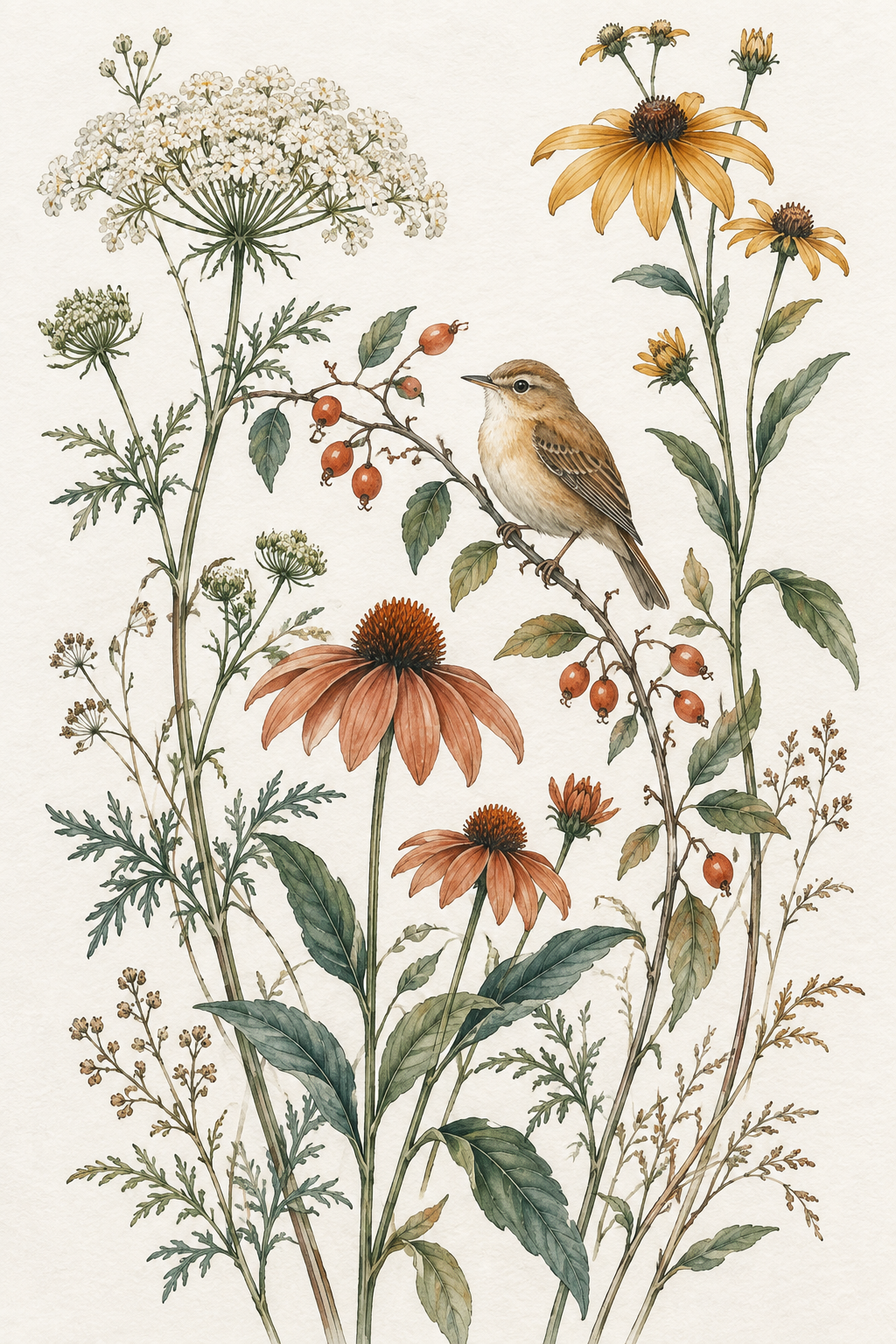
Shape comparison at equal displayed height, not physical scale. Both previews crop the same AI-generated sample. Check your own image’s resolution and edges in the resizer.
How big can your image print?
Divide the usable pixel dimensions by the target PPI. A 2,400 × 3,600 pixel image can cover an 8 × 12 inch page at 300 PPI when the ratios match.
If you crop that image to 4:5, only 2,400 × 3,000 pixels remain: enough for 8 × 10 inches at 300 PPI. Printing that crop at 16 × 20 inches gives 150 PPI. The page is larger, but the image contains the same detail.
Keeping the full artwork instead adds white space where ratios differ. The pixel chart then describes the whole page, including the white margins. Those margins do not add detail to the artwork.
ArtPrintResizer checks each selected size and framing choice. It reduces larger images when needed and preserves the available image pixels when the source is too small, showing the resulting PPI. It does not upscale artwork to manufacture a 300 PPI file.
Common ratio and resolution questions
Is 11 × 14 the same ratio as 4:5?
No. 8 × 10 and 16 × 20 are 4:5; 11 × 14 is a separate ratio. To fit the same artwork into both shapes, check a separate crop or add white space. Stretching the image would distort it.
Can one file cover several print sizes?
Yes, when they share a ratio and the file has enough pixels for the largest print. For example, a 4,800 × 6,000 pixel 4:5 file can cover both 8 × 10 and 16 × 20 inches at a target of 300 PPI. Your print provider may resize the larger file for the smaller print. Check its upload and sizing instructions.
Are DPI and PPI the same thing?
PPI describes image pixels per inch of print. DPI describes the printer’s dots per inch. People often call a 300 PPI image “300 DPI,” but changing its metadata cannot recover missing detail. Check pixel dimensions and final print size together.
Does every print need 300 PPI?
300 PPI is a common target for prints viewed up close. Acceptable resolution depends on the artwork, paper, printing method, and viewing distance. Follow your print provider’s requirements and order a test print when quality matters.
Before you print or deliver a file
- Match the file to the frame opening or print provider’s template.
- Inspect the crop, especially signatures and details near the edges.
- Check the exported pixels and PPI for the intended size.
- Confirm the provider’s color and bleed requirements. This tool exports JPGs; it does not add printer bleed or prepare CMYK separations.
- Make a test print before selling a new format or ordering a large print.
For background, see Adobe’s explanations of printed image resolution and print resolution requirements. The chart above is calculated from the sizes supported by this tool.