Resize your artwork for print.
Prepare printable wall art in different sizes, preview the framing, and download JPGs or a ZIP pack. Free to try, no account needed.
A LITTLE PRINT KNOW-HOW
From one artwork to a useful print pack.
Prepare printable wall art for your shop, or fit a piece to your own frame. Start with a finished image, check each composition, and keep the files you need.
How to resize your artwork for print
- Choose your original
Open a JPG, PNG, WebP, or AVIF of the finished artwork. Use the largest original you have so there is more detail to work with.
- Check each print format
Choose a ratio and print size. Compare the two previews, adjust the crop if needed, and check the resolution shown below.
- Prepare your files
Choose Prepare JPG, then download it or add it to your pack. Repeat for another ratio and download the ZIP when you’re ready.
Crop to fill, or keep every edge?
A different print ratio changes the shape of the page. Choose the treatment that works for your composition.
- Crop to fill
- Fill the page by trimming some of the image. Reposition the crop to protect the subject, signature, or other important details.
- Keep full artwork
- Keep the whole image and add white space where the proportions differ. The amount of white space depends on the original image and the chosen ratio.
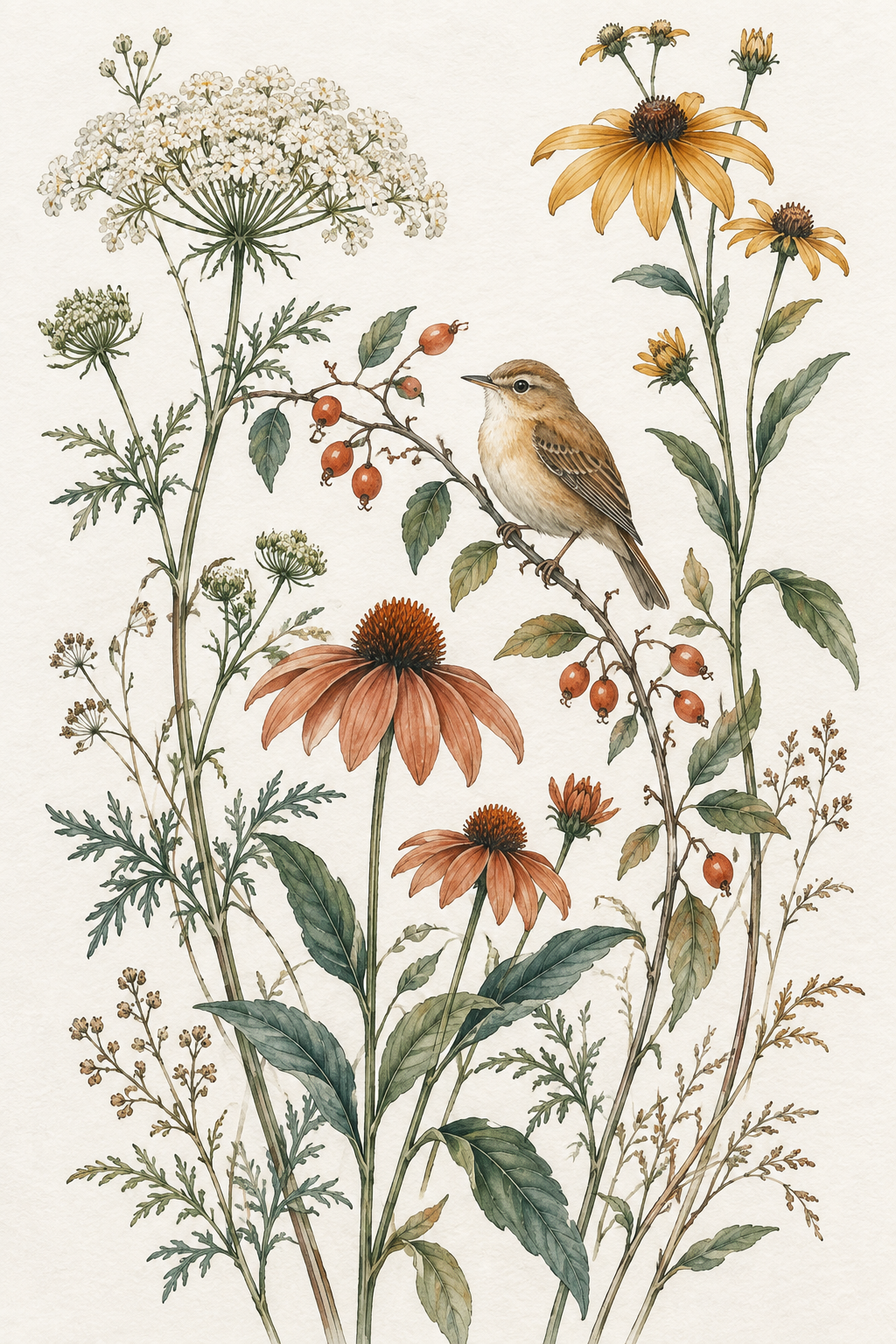
4:5 example · AI-generated sample artwork
Printable wall art sizes and ratios
A ratio describes the shape, while the print size describes its dimensions. For example, 8 × 10 and 16 × 20 inches are both 4:5. An 11 × 14 inch print has a different ratio.
These are the sizes available in ArtPrintResizer. Select landscape orientation to swap width and height.
Pixels matter as much as size. An 8 × 10 inch print at 300 PPI needs 2,400 × 3,000 pixels in the output. A smaller source may need a smaller print. Check the resolution for each format before you download.
| Ratio | Print sizes |
|---|---|
| 2:3 | 4 × 6, 8 × 12, 12 × 18, 16 × 24 in |
| 3:4 | 6 × 8, 9 × 12, 12 × 16, 18 × 24 in |
| 4:5 | 8 × 10, 12 × 15, 16 × 20 in |
| 11:14 | 11 × 14 in |
| A series | A4 · 210 × 297 mm A3 · 297 × 420 mm A2 · 420 × 594 mm |
Common questions
Can I prepare printable art files for an Etsy digital download?
Yes. Start with artwork you have the right to sell, check each ratio and print size, and download the JPGs or ZIP pack for your listing’s download files. This tool prepares the artwork buyers print; it does not create room mockups, shop banners, or listing photos. Check every file and make a test print before offering it to buyers.
Is my artwork uploaded anywhere?
No. ArtPrintResizer opens and processes your artwork in your browser. Refreshing or closing the page clears your current pack, so download the files you want to keep first.
Will this make a small image sharp enough for a large print?
ArtPrintResizer does not enlarge your artwork to invent extra detail. It shows the available pixels and the actual PPI at your selected print size. Changing a DPI label alone cannot make a blurry original sharp. Choose a smaller print or a larger source if the resolution is too low.
What do I get in the ZIP?
Your prepared JPGs and a print-size guide. Each image filename includes its ratio, crop or full-artwork treatment, requested size, pixel dimensions, and PPI. Large packs are split into archives of up to 20 MB; if a single file is too large, you’ll be asked to adjust it.
Can I include several artworks or sizes in one pack?
A pack holds one artwork, with one prepared JPG per ratio. Adding that ratio again replaces its previous file. Download an individual JPG before changing sizes if you need more versions. Choosing a new image starts a fresh pack.
Which image formats can I use?
Choose a JPG, PNG, WebP, or AVIF up to 50 MB and 40 megapixels. Animated WebP and AVIF files are not supported. Downloads are JPG files; transparent areas become white, as shown in the print previews. Keeping the full artwork also adds white space where the proportions differ. If your browser cannot read a file, try an updated browser or export it as JPG or PNG first. Check your print provider’s requirements and make a test print before selling or ordering a larger print.
Do I need an account to try it?
No account is needed. Use the sample artwork to explore the options, then choose your own image when you’re ready.